
The surest way to waste money on an app is to build it before you know people will use it. Validating an app idea means gathering real evidence, from the people you hope will use and pay for it, that the problem is real, that your solution helps and that they would choose it over what they do today.
You can usually do this in a few weeks for a fraction of the cost of development: define the problem precisely, talk to potential users, check what already exists, test a simple prototype or landing page, and set clear success measures before you commit to a full build.
Step 1: Write down the problem, not the app
Most app ideas start as features ("an app that lets customers book and pay"). Validation starts with the problem behind it. Write one sentence that answers:
- Who has the problem? Be specific: "independent hairdressers in the UK who take bookings by Instagram message", not "small businesses".
- What is the problem? "They lose time and bookings because messages get missed."
- How do they solve it today? Paper diaries, WhatsApp, an existing booking tool?
- Why is today's solution not good enough?
If you cannot fill this in clearly, you are not ready to build anything yet.
Step 2: Talk to at least ten potential users
Conversations are the cheapest and most useful validation tool you have. Aim for ten to twenty short interviews with people who match your target user.
Ask about their past behaviour, not your idea:
- "Tell me about the last time this problem happened."
- "What did you do about it?"
- "What have you tried? What did you like or dislike?"
- "How much time or money does this cost you?"
Avoid leading questions such as "Would you use an app that…?" People are polite and will often say yes to ideas they would never actually pay for. Listen for problems they already spend time or money trying to solve; those are the strongest signals.
Step 3: Check what already exists
Search the App Store, Google Play and the web for existing solutions. Competition is not necessarily bad: it often proves there is demand. What matters is whether you can serve a specific group better, more simply or more affordably.
Read the reviews of competing apps, especially the three-star and lower ones. They are a free list of what users wish was different.
Step 4: Test demand with a landing page
Before building the app, build a simple page that describes it as if it exists: the problem, how your app solves it, a few screenshots or mock-ups and one clear action, such as "Join the waiting list" or "Register for early access".
Then send relevant people to it, through your network, social media, relevant online communities or a small paid ad test. Measure how many visitors take the action. Sign-ups from strangers are much stronger evidence than encouragement from friends.
Step 5: Build a clickable prototype
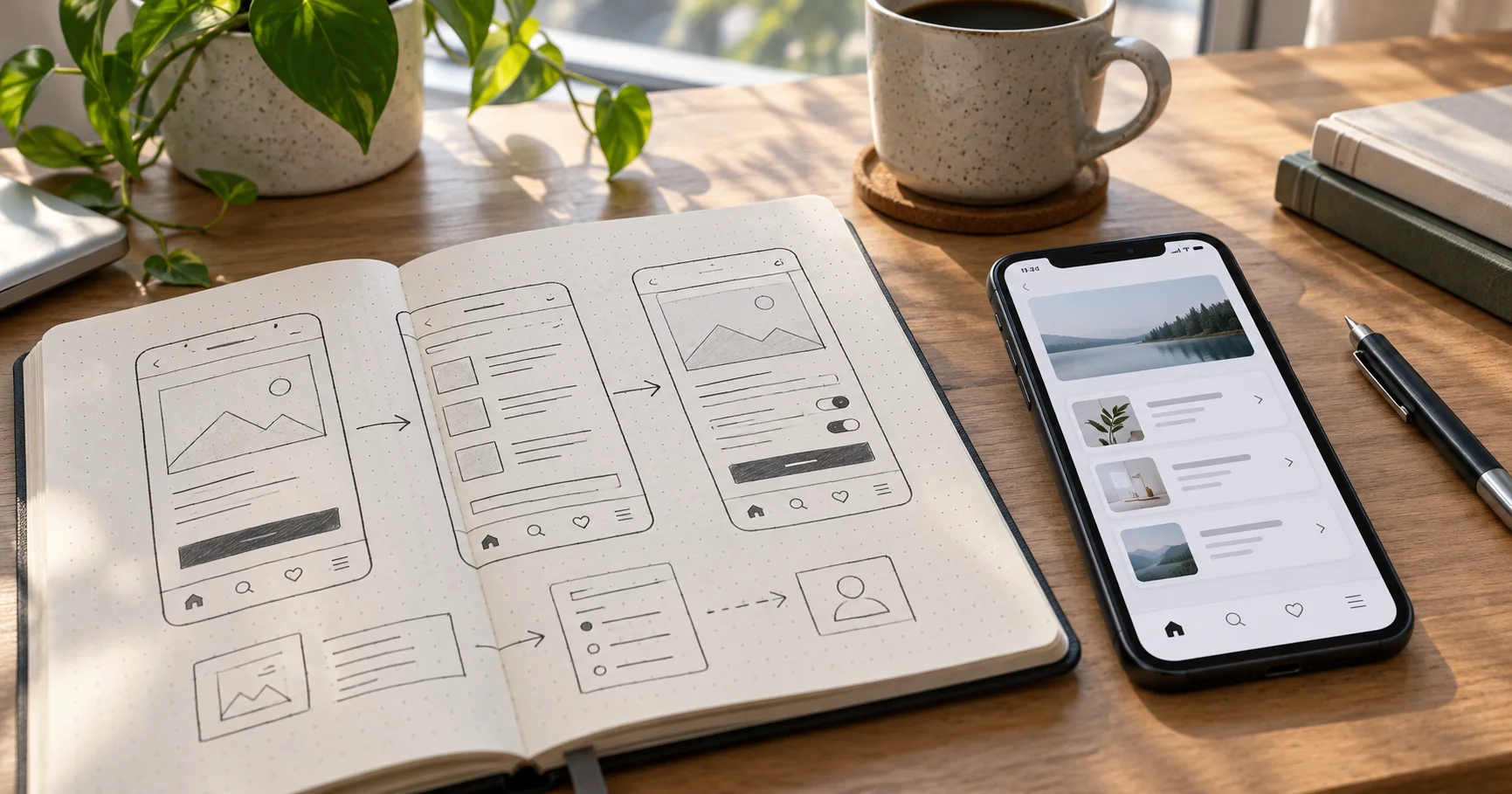
A clickable prototype looks and feels like an app but has no real code behind it. Tools such as Figma let designers link screens together so users can tap through the main journey on their phone.
Ask five to ten target users to complete a task, such as "book an appointment for Thursday", while you watch without helping. You will quickly see where people get confused, what they expect to happen and which features they ignore. Changing a prototype costs hours; changing a finished app can cost weeks.
Step 6: Define your minimum viable product (MVP)
An MVP is the smallest version of your app that solves the core problem well enough for real users. Use what you learned to cut everything that is not essential for launch. A good test: if a feature would not stop someone from using the app on day one, it can probably wait.
Decide early whether you need native iOS and Android apps, a cross-platform app or whether a mobile-friendly web app would be enough to start. A web app can be a faster and cheaper first step for some ideas.
Step 7: Set success measures before you build
Agree in advance what "working" looks like, so you can make honest decisions later. For example:
- Number of waiting-list sign-ups before development starts
- Percentage of test users who complete the main task in the prototype
- Number of people willing to pre-order, pay a deposit or join a paid pilot
- Weekly active users and retention after launch
If the evidence is weak, it is far cheaper to change direction now than after launch.
Signs your app idea is ready to build
- People describe the problem without prompting, and it costs them time or money
- They are unhappy with current solutions and can explain why
- Strangers sign up or pay for early access
- Test users complete the main task in your prototype without help
- You know exactly which features belong in version one
Frequently asked questions
Do I need a technical co-founder to validate an app idea? No. Interviews, landing pages and design prototypes can all be done without writing code. Technical input becomes important when you plan the MVP and choose how to build it.
Should I worry about someone stealing my idea? Ideas are rarely the hard part; execution is. Talking openly to potential users is far more valuable than secrecy. If you have genuinely sensitive technology, take professional advice on protecting it.
How long does app validation take? For many ideas, a focused round of interviews, a landing page test and a prototype test can be done in a few weeks. The aim is enough evidence to make a confident decision, not certainty.
Have an app idea to test?
Sundre Communications helps founders and businesses validate ideas with discovery sessions, UX design and clickable prototypes, then design, build and launch apps on iOS and Android. See our app development services or book a free consultation.