
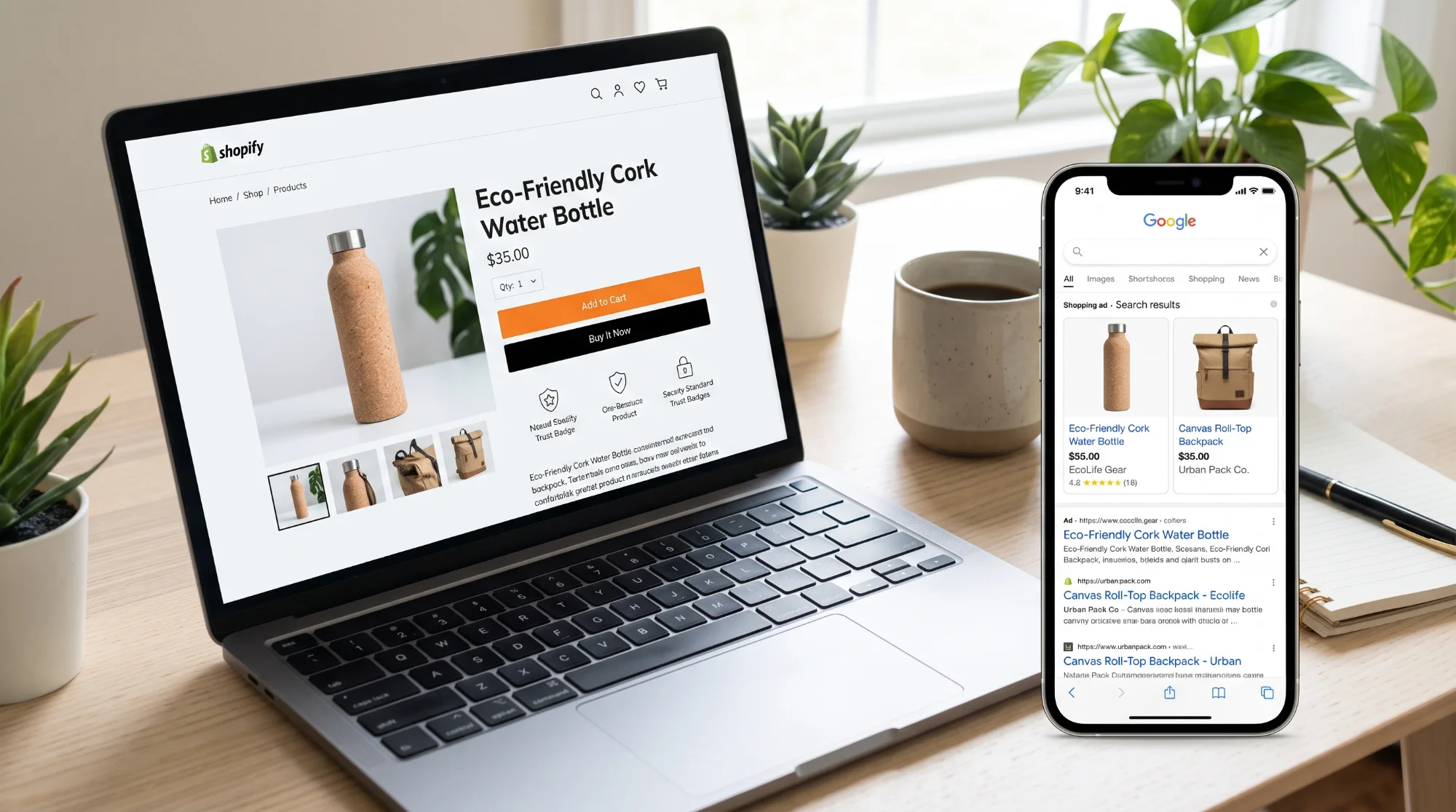
Shopify gives you a solid starting point for SEO, but it will not rank your shop on its own. To be found on Google by UK shoppers, you need unique product and collection content, a clear site structure, a fast mobile experience and accurate product information that Google can read, plus content that answers the questions customers ask before they buy.
This checklist covers the changes that make the biggest difference for most small and medium-sized Shopify shops, in the order we would usually tackle them.
1. Get the foundations right
- Connect Google Search Console and submit your sitemap. Shopify generates one automatically at yourdomain.co.uk/sitemap.xml.
- Set up Google Analytics 4 and make sure e-commerce events, such as purchases, are tracked.
- Use your own domain, ideally the one customers already know, and make sure every version redirects to one main address.
- Remove the password page once you launch. Google cannot index a password-protected shop.
- Set your homepage title and description in Shopify's online store preferences, including what you sell and, if relevant, that you deliver across the UK.
2. Write unique product pages
Product pages are where most shopping searches land. Many shops copy manufacturer descriptions word for word, which means hundreds of other sites have the same text.
- Write your own descriptions. Explain what the product is, who it is for, the benefits, materials or ingredients, sizes and care instructions.
- Answer common questions on the page: delivery times, returns, sizing, compatibility.
- Edit the search engine listing for each product: a clear page title (product name plus key detail) and a description that encourages the click.
- Use descriptive, readable URLs, such as /products/organic-cotton-baby-blanket.
- Add alt text to images describing what they show, for accessibility and image search.
- Show reviews from genuine customers, using a review app that adds them to the page.
3. Turn collections into landing pages
Collection pages often rank for broader searches, such as "linen shirts for men" or "vegan skincare gift sets", which tend to have more searches than individual products.
- Add a short, helpful introduction to each collection explaining what is in it and who it suits.
- Give each collection a clear title and meta description in its search engine listing.
- Avoid creating many near-identical collections that compete with each other for the same searches.
- Link related collections together to help shoppers and search engines find their way around.
4. Keep your site structure simple
- Make sure every important product is reachable within a few clicks from the homepage.
- Use a clear main menu organised by how customers shop (by category, use or occasion).
- Add breadcrumbs if your theme supports them.
- Set up 301 redirects in Shopify's URL redirects settings whenever you delete or rename a product or collection, so visitors and links are not lost.
5. Make your shop fast on mobile
Most shoppers browse on their phones, and speed affects both rankings and sales.
- Choose a lightweight, well-supported theme.
- Remove apps you no longer use. Many apps add scripts that slow every page, and some leave code behind after they are uninstalled.
- Compress images and avoid huge banner images and autoplaying videos at the top of pages.
- Check Core Web Vitals in Google Search Console and PageSpeed Insights.
6. Help Google understand your products
- Check your theme outputs product structured data (schema markup) including name, price, availability and reviews. Most modern Shopify themes do, but it is worth testing with Google's Rich Results Test.
- Keep prices and stock levels accurate, so the information Google shows matches your shop.
- Consider listing products free in Google Merchant Center through the Google & YouTube app, so they can appear in Google's Shopping results.
7. Publish content that answers buying questions
Shopify includes a blog. Use it for genuinely useful content that helps people choose and use your products, for example:
- Buying guides ("How to choose a hiking backpack")
- Comparisons ("Merino wool vs cotton base layers")
- Care guides ("How to look after a cast iron pan")
- Gift guides for UK occasions, such as Mother's Day, Father's Day and Christmas
Link from each article to the relevant products and collections. Clear, helpful answers also make it more likely that your content is used in Google's AI Overviews and in AI shopping assistants.
8. Avoid common Shopify SEO mistakes
- Duplicate manufacturer descriptions across hundreds of products
- Empty collection pages with no introductory text
- Deleting out-of-stock products without redirecting them
- Dozens of unused apps slowing the site down
- Thin tag pages and filtered pages getting indexed
Frequently asked questions
Is Shopify good for SEO? Yes. Shopify handles many technical basics, such as sitemaps, mobile-friendly themes and secure hosting. Rankings still depend on your content, site structure, speed and reputation, which you control.
Should I use a .co.uk domain for a UK Shopify shop? A .co.uk domain signals to customers and search engines that you are UK-focused, which can help if most of your customers are in the UK. If you already have an established .com, it is usually better to keep it than to switch.
How long does Shopify SEO take to work? Technical fixes and improved product pages can help within weeks once Google recrawls them. Building rankings for competitive product categories usually takes several months of consistent work.
Want more customers from Google?
Sundre Communications helps UK Shopify shops with technical SEO, product and collection content, speed improvements and Google Merchant Center setup. See our SEO, AEO and GEO services, explore our website development services or book a free consultation.