
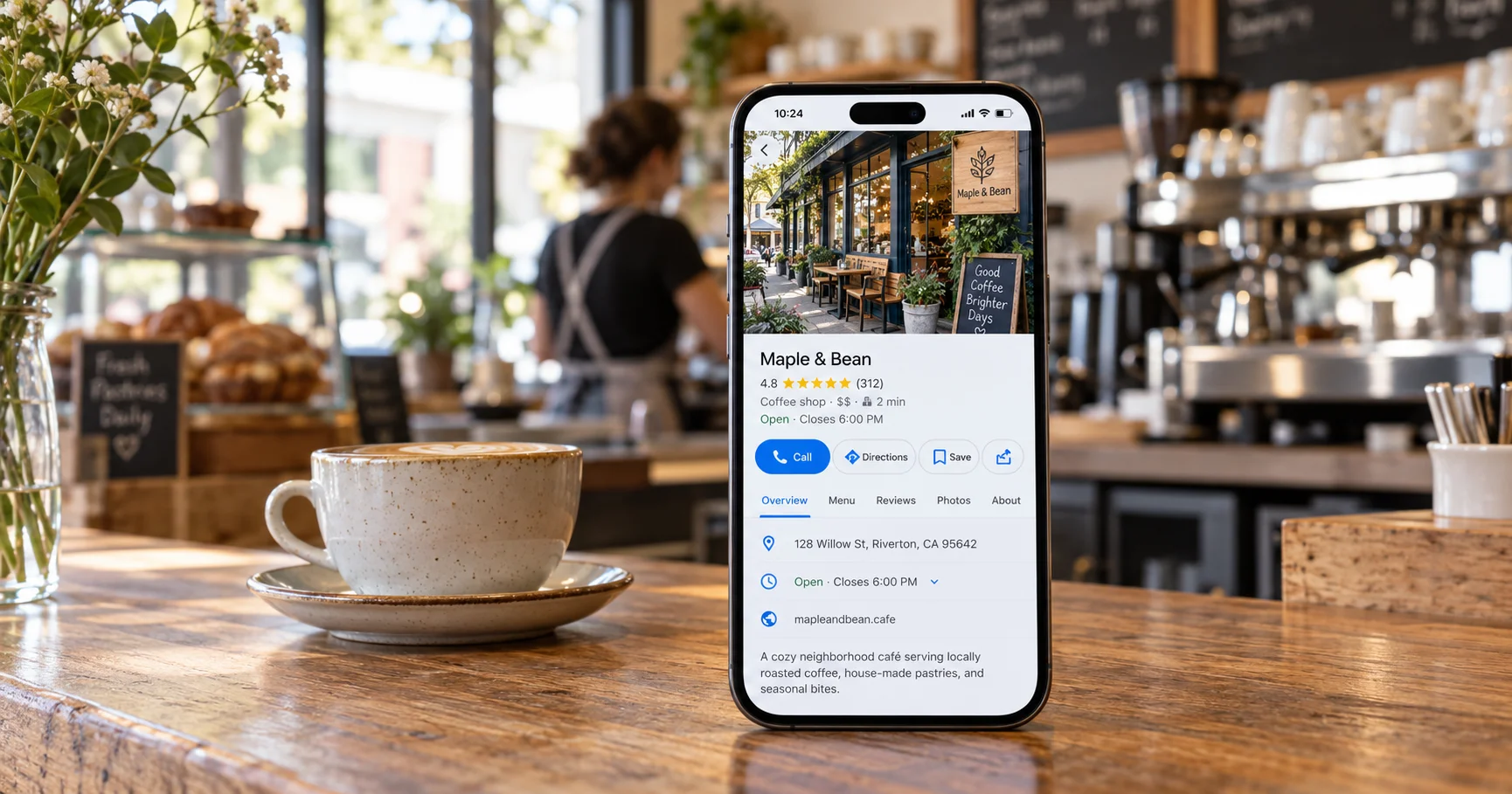
Your Google Business Profile is the listing that appears on Google Maps and in the local results when someone searches for a business like yours nearby. For many local UK businesses, it brings in more calls and visits than the website itself.
To get the most from it, your profile needs to be verified, complete, accurate and active. Google says local rankings are based mainly on relevance (how well your profile matches the search), distance (how close you are to the searcher) and prominence (how well known and well reviewed your business is). This checklist covers everything you can control.
1. Claim and verify your profile
- Search for your business on Google Maps. If a listing exists, claim it; if not, create one at google.com/business.
- Use a Google account the business controls, not a staff member's personal account.
- Complete verification. Google will tell you which methods are available, which may include a short video of your premises, a phone or text code, email or a postcard.
- Add at least one other trusted person as a manager so you are never locked out.
2. Get the basics exactly right
- Business name: use your real-world name exactly as it appears on your signage and paperwork. Adding keywords or locations to the name breaks Google's guidelines and can lead to suspension.
- Address: add it only if customers visit you there. If you travel to customers, set a service area (towns, cities or postcodes) and hide your address.
- Phone number: use a local or main business number that is answered during your opening hours.
- Website: link to your homepage or the most relevant location page.
- Opening hours: keep them accurate, and add special hours for bank holidays and Christmas.
Make sure your name, address and phone number match exactly on your website, social profiles and directories such as Yell, Bing Places and Apple Business Connect. Inconsistent details make it harder for Google to trust your listing.
3. Choose the right categories
- Pick the most specific primary category that describes your main service (for example "Emergency locksmith service" rather than just "Locksmith" if that is your focus).
- Add a small number of relevant secondary categories for other services you genuinely offer.
- Avoid adding categories for services you do not provide.
Your primary category is one of the most important relevance signals, so it is worth getting right.
4. Complete every section
- Business description: explain what you do, who you help and where, in plain English, within the 750-character limit. Lead with your most important service.
- Services: list each service, with a short description where possible.
- Products: add key products or packages with photos, if relevant.
- Attributes: tick everything that applies, such as wheelchair access, free Wi-Fi or online appointments.
- Booking or appointment link: add it if customers can book online.
5. Add great photos
- Your logo and a cover photo
- Exterior photos so people can recognise your premises
- Interior photos, your team and your work
- Before-and-after photos for trades and services, where appropriate
Use real, recent photos rather than stock images, and add new ones regularly.
6. Build and manage reviews
- Ask every happy customer for a review, ideally soon after the job, using the review link from your profile.
- Reply to every review, positive and negative, politely and professionally.
- Never buy reviews, write your own or offer discounts in exchange for reviews. Fake and incentivised reviews break Google's policies, and posting or commissioning fake reviews is also unlawful under UK consumer protection law (the Digital Markets, Competition and Consumers Act 2024).
A steady flow of genuine reviews helps both your ranking and your conversion rate, because people read them before they call.
7. Stay active
- Publish updates (posts) about offers, news, events or recent projects every week or two.
- Update opening hours, services and photos whenever anything changes.
- Check for suggested edits from Google or the public and correct anything wrong.
- Turn on messaging only if someone can reply promptly.
8. Measure what is working
- Review the performance section in your profile each month: searches, views, calls, website clicks and direction requests.
- Add UTM tracking to your website link so visits from your profile show separately in Google Analytics 4.
- Note which months, services and offers drive the most calls.
Common mistakes to avoid
- Stuffing keywords or town names into the business name
- Using a virtual office or PO box as a visible address
- Duplicate listings for the same location
- Ignoring negative reviews
- Letting opening hours go out of date over bank holidays
Frequently asked questions
How long does it take for a new Google Business Profile to appear on Google Maps? Once verified, a profile usually appears within a few days, although it can take longer for it to rank well for competitive searches. Completing every section and gathering reviews helps it gain visibility.
Can I have a Google Business Profile without a shop or office? Yes. Service-area businesses, such as plumbers, cleaners and mobile hairdressers, can set the areas they serve and hide their home address.
Does my Google Business Profile help with AI search? It can. Google uses Business Profile information in its local results, and accurate, consistent business details across the web help AI tools describe and recommend your business correctly.
Want a done-for-you Google Business Profile?
Sundre Communications sets up, verifies and optimises Google Business Profiles for UK businesses, then keeps them active with updates, photos, review responses and monthly reporting. See our Google services or book a free consultation.