
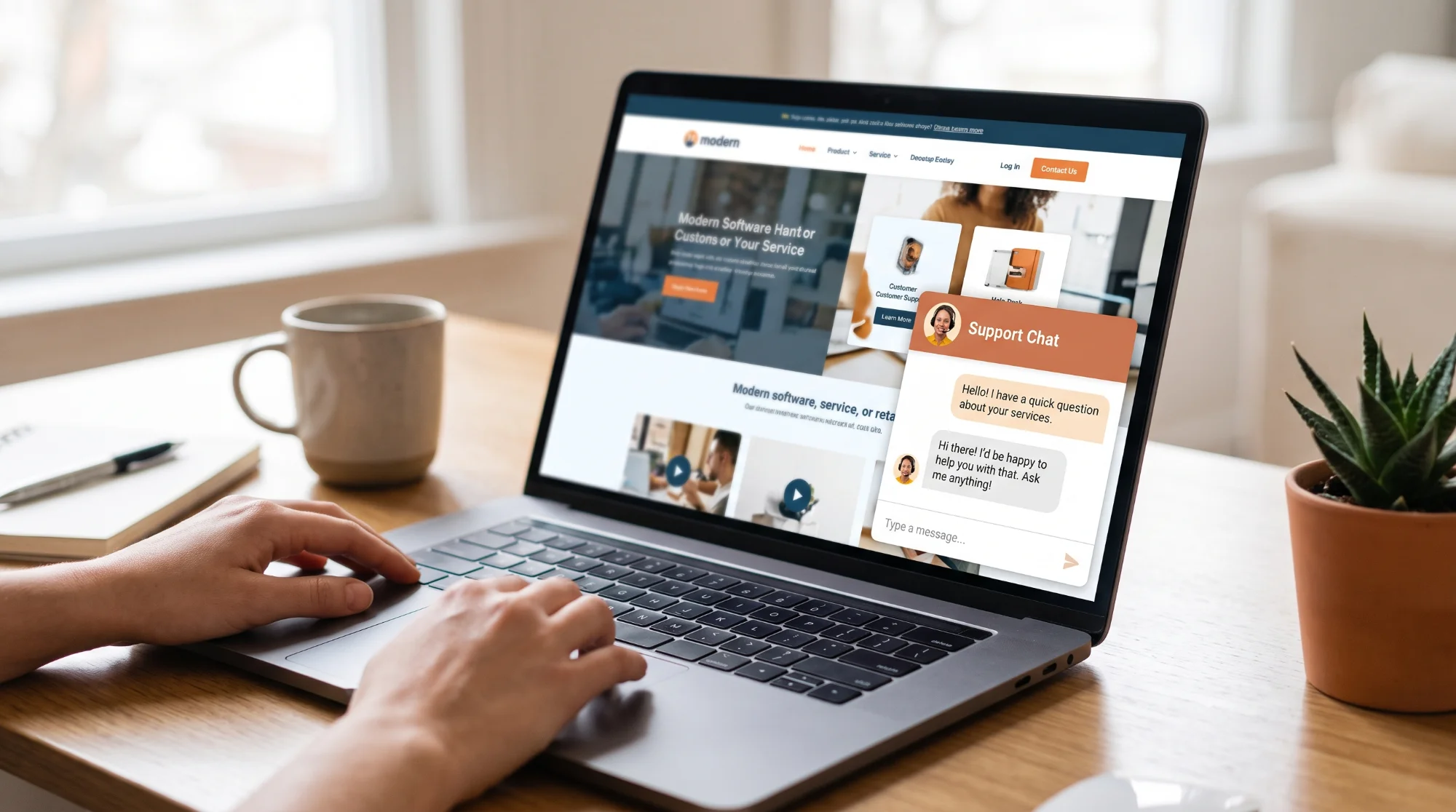
An AI chatbot on your website can answer common customer questions instantly, at any hour, and pass genuine enquiries to your team with the details already collected. For a small UK business, that can mean fewer missed leads in the evenings and at weekends, and less time spent answering the same questions by phone and email.
To work well, a chatbot needs to be trained on accurate information about your business, have a clear way to hand over to a human, and be set up with UK data protection in mind, because chatbots often collect names, contact details and other personal information. This guide covers what chatbots can do, how to set one up and the main points to get right.
What an AI chatbot can do for a small business
- Answer common questions about services, prices, opening hours, delivery or service areas
- Capture leads by collecting a name, contact details and what the customer needs
- Book appointments by connecting to your booking system
- Qualify enquiries so your team knows what each customer wants before calling back
- Hand over to a human by email, phone, live chat or WhatsApp when needed
Modern AI chatbots understand questions written in everyday language, so customers do not need to choose from rigid menus.
What a chatbot should not do
- Give legal, medical or financial advice unless it has been carefully designed and reviewed for that purpose
- Make up prices, policies or promises it has not been given
- Handle complaints or sensitive situations without a route to a person
- Pretend to be a human
A chatbot should be clearly labelled as an automated assistant, and customers should always be able to reach a real person.
How to set up a chatbot that actually helps
1. Start with your most common questions. List the twenty or so questions customers ask most often, with the correct answers. This becomes the core of the chatbot's knowledge.
2. Give it accurate, up-to-date information. Most business chatbots can be given your website content, FAQs and policy documents to draw on. Make sure prices, opening hours and policies are current, and set a reminder to review them.
3. Set clear boundaries. Tell the chatbot what topics it should and should not handle, and what to say when it does not know the answer, such as offering to pass the question to your team.
4. Design the hand-over. Decide where enquiries go: an email inbox, your CRM, a WhatsApp number or a live chat. Make sure someone checks them promptly.
5. Test it thoroughly. Ask it awkward, vague and off-topic questions before launch. Check it never invents answers and always offers a way to reach a person.
6. Review conversations regularly. Read a sample of chats each week or month. They show what customers really want to know, which also gives you ideas for website content and FAQs.
Data protection: the key points for UK businesses
If your chatbot collects personal information, such as names, email addresses, phone numbers or details of a customer's situation, you have responsibilities under UK GDPR and the Data Protection Act 2018. The Information Commissioner's Office (ICO) publishes guidance on these duties. In general terms:
- Be transparent. Tell people they are talking to an automated assistant, and explain in your privacy notice what information the chatbot collects, why and who it is shared with.
- Collect only what you need. If you only need a name and email address to reply, do not ask for more.
- Check your chatbot provider. Understand where conversation data is stored and processed, whether it is used to train the provider's AI models, and what your contract says about data protection. You will usually need a data processing agreement with the provider.
- Be careful with sensitive information. Health details and other special category data need extra protection. Consider whether your chatbot should ask customers not to share them.
- Keep data secure and for a limited time. Decide how long chat transcripts are kept and delete them when they are no longer needed.
- Respect people's rights. Customers can ask to see or delete their data, so you need to be able to find and remove chat records.
If your chatbot makes decisions that significantly affect people, such as approving or refusing a service automatically, there are additional rules, and it is worth taking specialist advice.
Choosing a chatbot: questions to ask
- Can it be trained on our own content, and can we control what it says?
- Can it hand over to a person, and through which channels?
- Where is conversation data stored, and is it used to train AI models?
- Does the provider offer a data processing agreement?
- Does it connect to our booking system, CRM or email?
- Can we see and export conversation history?
- What does it cost as usage grows?
Frequently asked questions
Will an AI chatbot replace my customer service team? For most small businesses, no. A chatbot handles routine questions and collects details, so your team can spend more time on enquiries that need a person.
Do I have to tell customers they are talking to a bot? Being open that a chat is automated is good practice, builds trust and supports your transparency duties under UK data protection law. Label the chatbot clearly and offer a route to a person.
Can a chatbot help my website appear in AI search? Not directly. However, the questions customers ask your chatbot are a valuable source of ideas for FAQ and blog content, which can help your site appear in Google's results and AI answers.
Want a chatbot that works for your business?
Sundre Communications designs and sets up AI chat assistants for websites and WhatsApp, connected to your enquiry and booking process, with data protection considered from the start. See our AI and automation services or book a free consultation.